Lane Offset
Lane offset is the lateral distance between the road’s reference line (often the centre line or a baseline) and the centre of a given lane. Offsets define how lanes sit side by side without overlap.
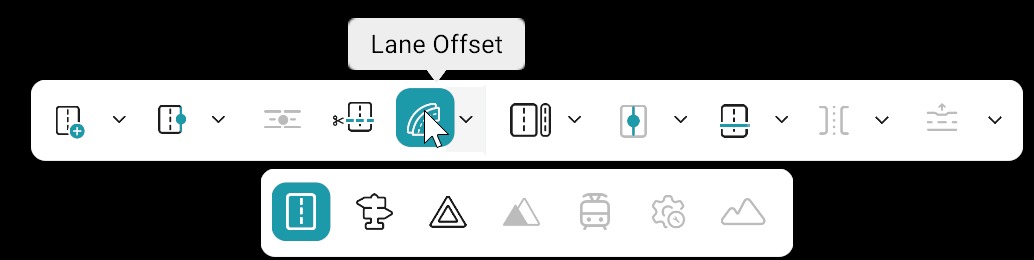
Add / Delete Lane Offset Anchor
| Action | Description |
|---|---|
| Add lane offset anchor | Click on the Lane Offset tool (Add Lane Offset Anchor mode is enabled by default), then left-click on the red reference line to add a new lane-offset anchor |
| Delete lane offset anchor | Click the dropdown menu next to the Lane Offset tool, then select "Delete Lane Offset" option and left-click on anchor to remove |
| Move lane offset anchor | Select an anchor, drag an anchor point to move it along the road or across the road |
⚠️Rules
- Lane-offset anchors modify only lateral geometry; the reference line remains fixed.
- Start and end lane-offset anchors cannot be deleted. Only user-added intermediate anchors can be removed.
When to use Lane Offset
- Use lane offset when you need to move lanes slightly left or right without changing the main road path (reference line).
- Use it to fine-tune or correct lane alignment across the road.
- Make small, step-by-step adjustments to keep the road shape stable and predictable.
Warning
- Large or sudden offset changes between adjacent anchors may cause lane distortion or overlaps.
Good Practice
- After moving purple offset anchors, check neighbouring lanes for width and marking rules.
- Offset interacts with lane width and markings. Adjust them together when redesigning a cross-section.
- After large offset edits, re-check junction connectivity, as lane links may need updating.
- Always verify adjacent lane alignment after edits to ensure correct geometry.